On Sept 28, 2026, I pulled Google's US results for "seo for plumbing". Every organic result on page one was an agency or software company. This guide doesn't pitch until the last line. It's the order I'd fix things in, with Google's own rules for each step.
The fixes aren't exotic. They're a few plain jobs, done in a sensible order.
The short version: I'd fix three things, in this order.
- Set up the Google Business Profile correctly, as a service-area or hybrid business depending on whether customers come to you.
- Give Google one readable page per service you sell.
- Document real jobs, even the plain ones.
One rule is worth knowing early. For its Local Services ads in the US, Google treats plumbing as an "urgent category" and screens plumbers more closely. That applies to the paid ads, not the free results.
Why I start with the Google profile
I start with the profile because it's the part Google explains most plainly. Google's help page on local ranking says: "Local results are mainly based on relevance, distance, and popularity." It also tells owners to "provide complete and detailed business info." Distance isn't something you control, so work on the rest (Google, local ranking).
The same page has a line every plumber should hear before paying anyone. "There's no way to request or pay for a better local ranking on Google."
The profile also matters if you ever try Google's paid Local Services ads in the US. Google's Local Services help page is clear about it. Advertisers "must have a public and verified Google Business profile to advertise with Local Service Ads." So a profile done properly now isn't wasted later.
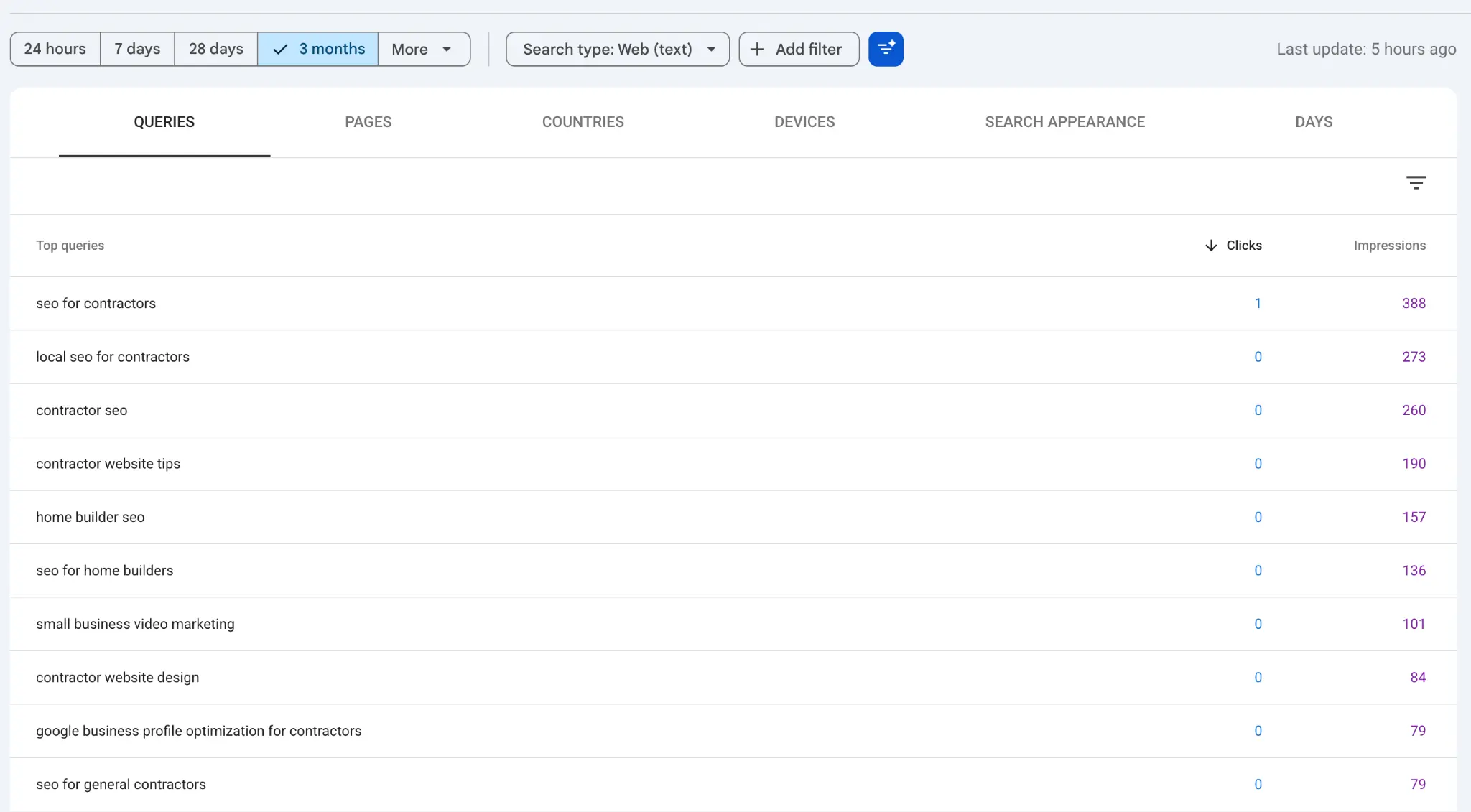
On my own site, the plumbing searches point the same way. Between Aug 28 and Sept 25, 2026, eight different plumbing searches showed my site in Google. Every one was about a Google Business Profile. I can't see who searched, but those read as owner questions, not customer searches. They say nothing about how your customers search.
Service-area, or hybrid?
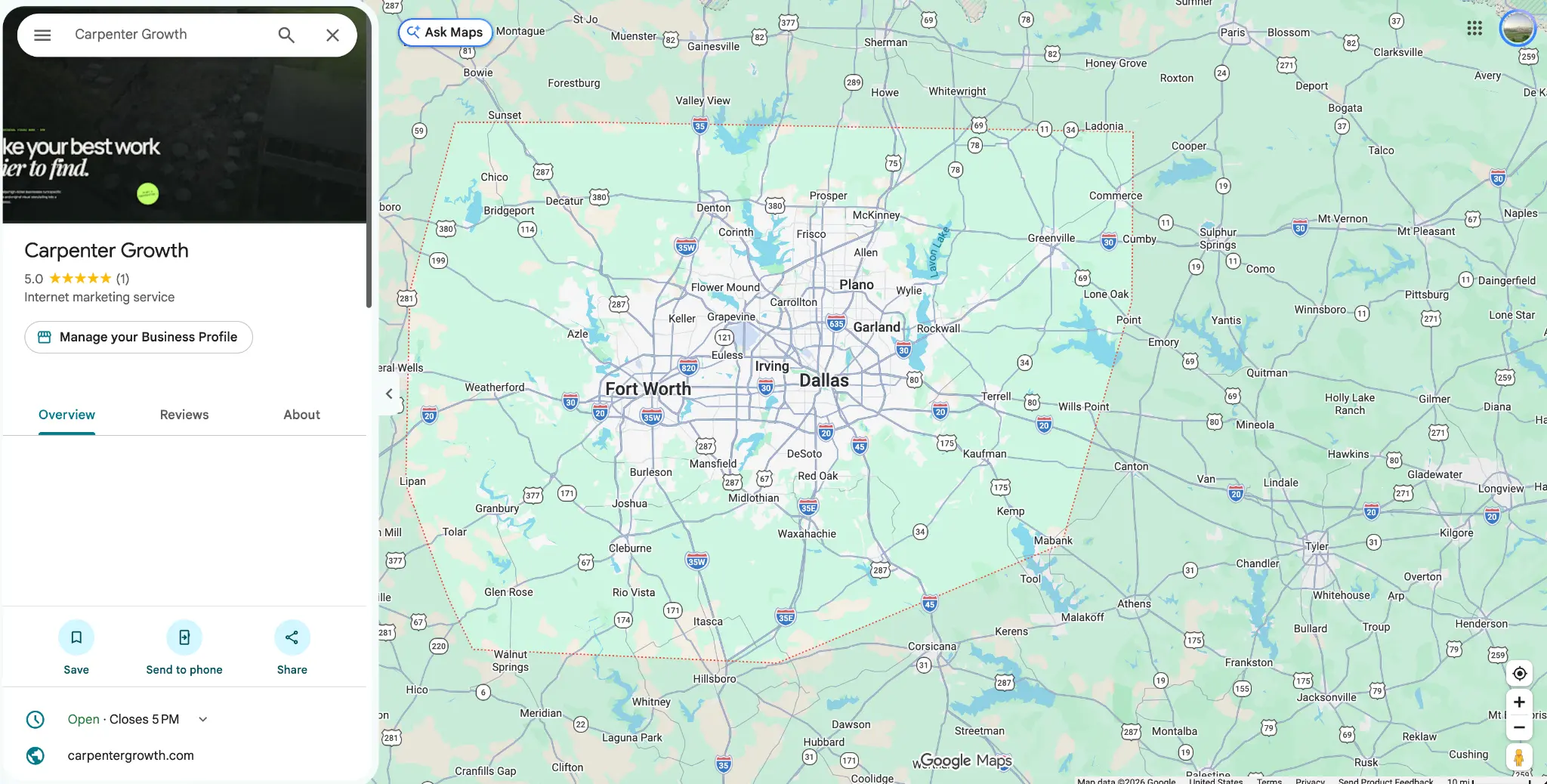
Google names plumbers as one of its two examples of a service-area business. A service-area business is one that "visits or delivers to customers directly but doesn't serve customers at their business address." Google's examples are "cleaning services or plumbers" (Google, service areas).
Three rules from that page decide your setup:
- No customers at your address: "If you don't serve customers at your business address, remove your address from your Business Profile."
- Customers do come to you, for example at a showroom or supply counter. Google's rule: "If you serve customers at your business address and also have a service area: Enter both your address and service area." That's a hybrid business.
- One area, one profile: "Service-area businesses can only have one profile for the whole area that they serve." A profile per suburb isn't allowed.
The step-by-step setup is in my guide to Google Business Profile for plumbers: categories, services, service areas, photos and reviews. I won't repeat it here.
Why Google screens plumbers more closely for its ads
In the US, Google adds background checks for plumbers who run its paid Local Services ads. That's about the ads, not the free map or search results.
Google's help page for those ads explains why. Plumbing is "considered an urgent category because consumers often call plumbers for time-sensitive, urgent needs, such as a hot water outage." It continues: "For this reason, plumbing professionals undergo an additional level of screening, including service professional background checks."
Plumbing isn't alone. The same page gives the same urgent-category note for electricians, garage door companies, HVAC and locksmiths.
What this means in practice is narrow. If you ever run Local Services ads, expect the extra screening. You'll also need the same verified profile from the previous section. Nothing on Google's page ties the urgent category or the screening to your free map or search rankings.
Can Google read your site?
Google can only rank pages it has found and indexed. Check this before you write a single new page.
Open Google Search Console, go to Pages, and read the "Not indexed" count. Some not-indexed pages are normal. What matters is that each service page you care about is indexed. If you don't have Search Console, set it up first.
Next, give each service its own page. Google has its own definition of a plumber. "Plumbers are service professionals who deal with pipes, drains, sewers and the appliances in your home that connect to these systems." That definition maps neatly onto service pages:
- Pipes: repiping, leak repair, burst pipes.
- Drains: drain cleaning, clogs, camera inspections.
- Sewers: sewer line repair and replacement.
- Appliances that connect to these systems: water heaters, water softeners, garbage disposals.
One page per service you actually sell. A single "Services" page with eleven bullet points is one page about nothing in particular. More pages isn't the goal, though. Each service page should have real jobs linking up to it, which is the next section.
Then make sure Google can reach those pages. Google's link guidance is simple. "Every page you care about should have a link from at least one other page on your site." Link each service page from your main menu or your services page. Add each one to your sitemap, which "tells search engines which pages and files you think are important in your site."
The wider version of this, for every trade, is in contractor website structure.
Document jobs, even the plain ones
This is my method, not a Google rule. I can't promise what it does for rankings. What I can say is why I use it.
Plumbing jobs are awkward to document. They're short. They're often urgent. They're visually plain: a pipe behind a wall. And they repeat, because the fifth water-heater swap looks like the first. That's why they're easy to skip.
Every job still names three things: a service, a place and a problem. That's enough for a short page or a profile post. Not every swap needs its own page. A plain repeat can be a profile post; give a page to a job with something new to show. Here's a hypothetical example, not a real job:
Hypothetical: Gas water heater replacement in Arlington. The 12-year-old tank failed overnight and flooded the garage. Removed it, installed a new 50-gallon unit, and brought the venting up to current code. Done the same day.
Three rules keep this honest and safe:
- City or neighbourhood only. Never a street address.
- Ask the homeowner first. No photo or page without their consent.
- Real photos only. A tech at the water heater, the new install, the repaired line before the wall closes. Never use stock photos of someone else's work.
Each job page should link up to the service page it proves. The full method, written for every trade, is in project pages versus service pages.
What to check in Search Console, and when
Look once a month, and compare the last 28 days with the 28 days before. Treat 90 days as a check-in window, not a results timeline. I won't promise rankings or calls by any date. Nobody honest can.
Google says its Performance report shows "what search queries are most likely to show your site" (Google, Performance report). That's where to look. Watch three things, in this order:
- Impressions. Are your service pages showing up in Google at all?
- Queries you never targeted. Searches like "water heater replacement" plus your town, landing on the right page.
- Clicks. These come after impressions, not before.
If impressions stay at zero, go back to "Can Google read your site?" and start your check there.
Can you do this yourself?
Mostly, yes. Most plumber SEO is work an owner can do.
Do yourself:
- Set up the profile as service-area or hybrid.
- Write one page per service you sell.
- Photograph jobs and ask homeowners for consent.
Get help with:
- Pages that Search Console says aren't indexed, when you can't tell why.
- Restructuring a site without breaking what already works.
- Reading Search Console honestly, so you don't chase noise.
Those are the parts where a wrong move is hardest to undo.
Frequently asked questions
Is SEO still worth it for a plumbing business?
My view: yes, if you can measure it. Start with the parts you control: the profile, your service pages and Search Console. Judge any paid work by what shows up in Search Console. I won't put a number on the return, because I can't support one.
The next step
Set up the profile correctly, give Google one readable page per service, then document real jobs. If you'd rather have that done with you, see my local SEO services. The wider playbook is in contractor SEO: the complete guide, and builders have their own version in SEO for home builders.
Sources
All fetched and checked on Oct 5, 2026.
- Google Business Profile Help: Tips to improve your local ranking on Google
- Google Business Profile Help: Manage your service areas
- Google Local Services Ads Help (US): screening and the plumber definition
- Google Search Central: Link best practices for Google
- Google Search Central: Learn about sitemaps
- Search Console Help: Page indexing report
- Search Console Help: Performance report (Search results)
- Carpenter Growth's own Search Console, query data Aug 28 – Sept 25, 2026